
 6 min read
Docker Containerization Best Practices for Production Deployment
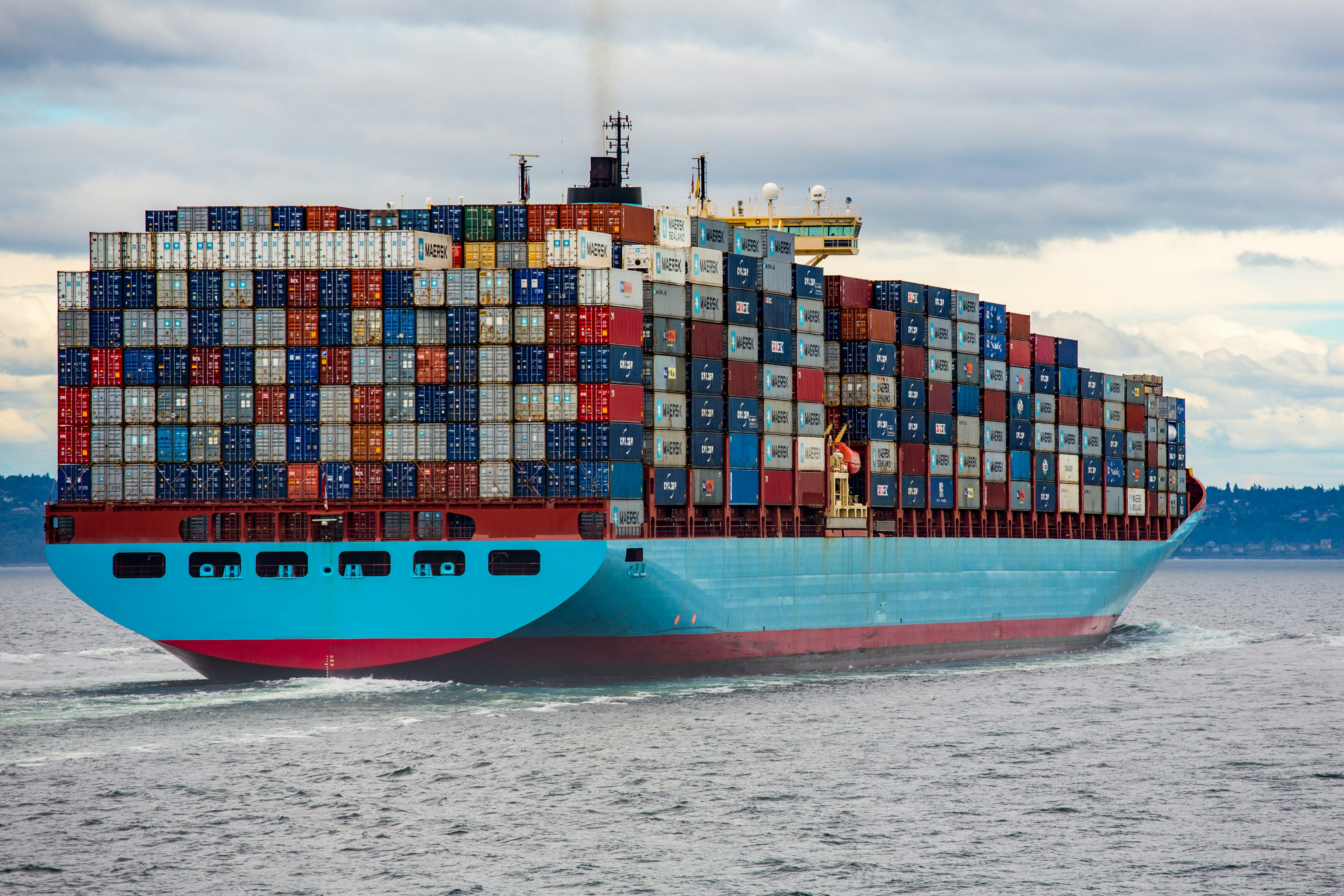


Docker has become the industry standard for containerizing applications, but building production-ready containers requires more than just wrapping your code in a Dockerfile. Understanding Docker containerization best practices is essential for creating secure, efficient, and maintainable deployments that scale with your business needs.
This guide covers the critical practices every development team should implement when building Docker containers for production environments, from optimizing image sizes to implementing proper security measures.
Use Multi-Stage Builds to Minimize Image Size
One of the most impactful Docker containerization best practices is implementing multi-stage builds. This approach dramatically reduces your final image size by separating build dependencies from runtime dependencies.

Here's a practical example for a Node.js application:
# Build stage FROM node:18-alpine AS builder WORKDIR /app COPY package*.json ./ RUN npm ci --only=production COPY . . RUN npm run build # Production stage FROM node:18-alpine WORKDIR /app COPY /app/dist ./dist COPY /app/node_modules ./node_modules COPY package*.json ./ USER node EXPOSE 3000 CMD ["node", "dist/index.js"]
This approach keeps build tools, development dependencies, and source files out of your production image, often reducing image sizes by 60-80%. Smaller images mean faster deployments, reduced storage costs, and a smaller attack surface.
Leverage Layer Caching Effectively
Docker builds images in layers, and understanding layer caching can significantly speed up your build times. Order your Dockerfile instructions from least to most frequently changing.
Key principles for optimal caching:
- Copy dependency files (package.json, requirements.txt) before copying application code
- Install dependencies in a separate layer before copying source files
- Group related commands to minimize layers while maintaining cache efficiency
- Use .dockerignore to exclude unnecessary files from the build context
# Good: Dependencies cached separately
COPY package*.json ./
RUN npm ci --only=production
COPY . .

# Bad: Every code change invalidates dependency cache
COPY . .
RUN npm ci --only=production
Run Containers as Non-Root Users
Security should never be an afterthought. Running containers as root violates the principle of least privilege and exposes your system to unnecessary risk if a container is compromised.

Always create and switch to a non-root user in your Dockerfile:
# Create a non-root user
RUN addgroup -g 1001 appgroup && \
    adduser -D -u 1001 -G appgroup appuser

# Set ownership
RUN chown -R appuser:appgroup /app

# Switch to non-root user
USER appuser
For many base images like node:alpine, a node user already exists, so you can simply use USER node before your CMD instruction.
Implement Health Checks
Docker health checks enable orchestration platforms to determine if your container is functioning properly and take corrective action when issues arise. Without health checks, a container might be running but unable to serve requests.
HEALTHCHECK \ CMD node healthcheck.js || exit 1
Your health check script should verify that your application can perform its core functions, not just that the process is running:
// healthcheck.js
const http = require('http');

const options = {
  host: 'localhost',
  port: 3000,
  path: '/health',
  timeout: 2000
};

const request = http.request(options, (res) => {
  process.exit(res.statusCode === 200 ? 0 : 1);
});

request.on('error', () => process.exit(1));
request.end();
Pin Specific Image Versions
Using latest tags in production is a recipe for unexpected behavior and difficult-to-reproduce bugs. Always pin specific versions using digests or semantic version tags.
# Avoid
FROM node:latest

# Better
FROM node:18-alpine

# Best
FROM node:18.17.1-alpine3.18
Pinning versions ensures consistent builds across environments and makes rollbacks predictable. You can always update versions intentionally as part of your maintenance cycle.
Optimize for Image Security Scanning

Modern DevSecOps workflows include automated security scanning of container images. Optimize your images to pass security scans and minimize vulnerabilities:
- Use minimal base images: Alpine Linux images are significantly smaller and contain fewer packages than full distributions, reducing potential vulnerabilities
- Update packages regularly: Include
RUN apk update && apk upgrade(Alpine) or equivalent in your Dockerfile - Remove package manager caches: Add
&& rm -rf /var/cache/apk/*to cleanup commands - Scan images in CI/CD: Integrate tools like Trivy, Snyk, or Docker Scout into your pipeline
FROM node:18-alpine

# Update and cleanup in one layer
RUN apk update && \
    apk upgrade && \
    rm -rf /var/cache/apk/*

WORKDIR /app
# ... rest of Dockerfile
Use .dockerignore Files
Just as .gitignore excludes files from version control, .dockerignore excludes files from your Docker build context. This speeds up builds and prevents sensitive files from accidentally being copied into images.
Create a .dockerignore file in your project root:
node_modules
npm-debug.log
.git
.gitignore
.env
.env.local
README.md
.vscode
.idea
*.md
coverage
.DS_Store
dist
build
Set Resource Limits
When running containers in production, always set memory and CPU limits to prevent a single container from consuming all available resources:
docker run -d \
  --memory="512m" \
  --cpus="1.0" \
  --restart=unless-stopped \
  my-app:latest
In Docker Compose:
services:
  app:
    image: my-app:latest
    deploy:
      resources:
        limits:
          cpus: '1.0'
          memory: 512M
        reservations:
          cpus: '0.5'
          memory: 256M
Use Environment Variables for Configuration
Never hardcode configuration values in your images. Use environment variables to make containers portable across environments:
ENV NODE_ENV=production
ENV PORT=3000

# Runtime values should be passed via docker run or docker-compose
docker run -d \
  -e DATABASE_URL=postgresql://user:pass@host:5432/db \
  -e API_KEY=secret \
  my-app:latest
For sensitive data, use Docker secrets or your orchestration platform's secret management rather than environment variables when possible.
Implement Proper Logging
Configure your application to log to stdout and stderr rather than files. This allows Docker's logging drivers to handle log collection and rotation:
# Ensure logs go to stdout/stderr
RUN ln -sf /dev/stdout /var/log/app.log && \
    ln -sf /dev/stderr /var/log/app-error.log
In your application code, use console.log and console.error, which write to stdout and stderr respectively.
Building Production-Ready Containers
Implementing these Docker containerization best practices transforms your containers from basic proof-of-concept deployments into production-ready artifacts. The investment in proper Dockerfile construction pays dividends in security, performance, and maintainability.
Start by implementing multi-stage builds and security scanning in your current projects, then gradually adopt the other practices as you refine your containerization strategy. The key is consistency across your organization's images and continuous improvement as new best practices emerge.
Need help implementing container strategies or building cloud-native architecture for your applications? Stardelite specializes in custom software development with modern DevOps practices. Visit our services page to learn how we can help your team build scalable, secure applications.
Share this:



 6 min read