
 7 min read
What Should You Receive in a Software Development Handover



When your software development project wraps up, the handover is where everything either clicks into place or falls apart. Whether you're switching agencies, bringing development in-house, or just ensuring you have full control of what you paid for, knowing exactly what you should receive is not optional. It's the difference between owning a working product and owning a mystery box.
Here's what a complete software development handover looks like, broken down by what matters most.
Source Code and Repository Access
The foundation of any handover is the source code itself, delivered in a way you can actually use.
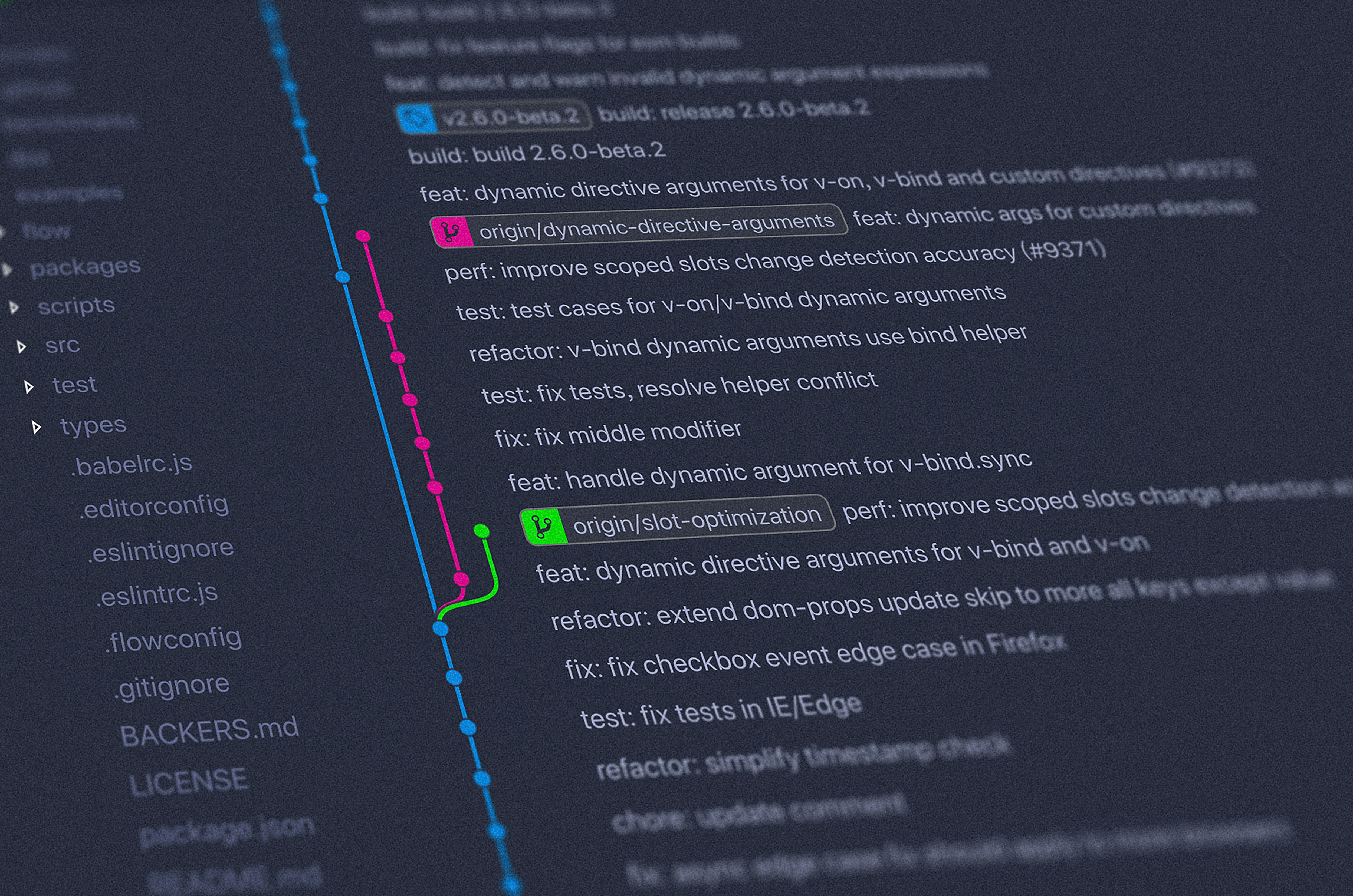
You should receive full access to the code repository, typically hosted on GitHub, GitLab, or Bitbucket. This means admin-level access or a complete transfer of ownership, not just read permissions. The repository should include the entire commit history, not a single ZIP file of the latest version. That history is documentation of how the system evolved and why certain decisions were made.
The code should be organized clearly, with a README file explaining the project structure, how to set up a local development environment, and how to run the application. If there are multiple repositories (frontend, backend, mobile apps), you need access to all of them.
Critically, check that the repository includes all configuration files, environment variable templates, and any scripts used for building or deploying the application. A common gap is receiving the code but not the tooling that makes it run.
Documentation Package
Code without documentation is a liability. You should receive several types of documentation, and each serves a different purpose.
Technical documentation explains the system architecture, how different components connect, what external services are integrated, and any important technical decisions. This is what a new developer needs to understand the codebase without guessing.
API documentation should cover every endpoint if you have a backend API, including what each endpoint does, what parameters it expects, what it returns, and what errors it might throw. Tools like Swagger or Postman collections make this concrete and testable.
User documentation or admin guides explain how to use any dashboards, admin panels, or content management interfaces. If non-technical team members will manage content or settings, they need instructions written for them, not for developers.
Deployment and operations documentation is often the most important and most commonly missing piece. It should explain how to deploy updates, how to roll back if something breaks, how to monitor the system, where logs are stored, and what to do if the application goes down. If there are scheduled tasks, background jobs, or maintenance routines, those need to be documented.
Infrastructure and Deployment Access
You need the keys to where your application actually runs.

This means admin access to all hosting accounts: your cloud provider (AWS, Google Cloud, Azure, DigitalOcean, Vercel, Heroku, or wherever the app is deployed), domain registrar, DNS management, CDN accounts, and any other services that keep the application online.
You should receive a complete infrastructure diagram or list showing what services are running, what they cost, and how they connect. If infrastructure is defined as code (Terraform, CloudFormation, Kubernetes configs), those files should be in the repository and documented.
For databases, you need admin credentials, backup procedures clearly explained, and ideally a recent backup file that you control. Do not assume backups are running just because the agency said they set them up. Verify it, and get a copy.
SSL certificates, API keys, and service credentials should be transferred or rotated to accounts you control. If the agency created accounts on your behalf for services like Stripe, SendGrid, Twilio, or analytics platforms, those need to be transferred or you need full admin access.
Third-Party Service Accounts and Integrations
Modern applications depend on external services, and you need control of all of them.
Make a list of every third-party integration: payment processors, email services, SMS providers, authentication services, analytics, error tracking, file storage, and anything else the application connects to. For each one, you should receive admin access or have the account transferred entirely to your ownership.
This includes app store accounts if you have mobile apps. You should own the Apple Developer and Google Play Console accounts that publish your iOS and Android apps, not the agency. If the agency published under their account, transferring that later is painful and sometimes impossible.
Testing Credentials and Test Environments
You should receive access to any staging or testing environments, along with test credentials for payment gateways and other services that have sandbox modes.
If automated tests exist (unit tests, integration tests, end-to-end tests), you need documentation on how to run them and what they cover. If the project includes continuous integration or continuous deployment pipelines, those should be transferred to your control or at least fully documented so you can recreate them.
Licenses and Legal Clarity

You need written confirmation of what you own. The contract should have already established that you own the code and all work product, but at handover, get explicit confirmation. Some agencies include open-source libraries or third-party components that have their own licenses. You should receive a list of all dependencies and their licenses, often generated automatically by tools that scan the project.
If any part of the codebase is not owned by you (because it's a shared library the agency uses across clients, or a proprietary component they license to you), that needs to be clear in writing, with terms that let you continue using and maintaining it.
Knowledge Transfer Session
A good handover includes at least one live session where the agency walks you or your technical team through the system. This is your chance to ask questions, see the deployment process in action, and clarify anything unclear in the documentation.
If you're hiring a new developer or agency to take over, having the outgoing team available for a transition period, even just a few hours of questions over a week or two, is worth negotiating for.
What Happens When Handover is Incomplete
An incomplete handover leaves you dependent on the agency whether you want to be or not. You might find yourself unable to deploy a critical fix, locked out of essential accounts, or facing a codebase no one can make sense of. Fixing these gaps after the fact costs more than getting it right the first time.
Before you sign off on the project, go through this checklist item by item. If something is missing, ask for it. If the agency pushes back on transferring access, that's a red flag. You paid for this software. You should own it in every sense that matters.
How Stardelite Handles Handover
At Stardelite, handover is built into the process from day one, not treated as an afterthought. Every project includes structured documentation, clear ownership transfer, and a proper walkthrough when the work is done. If you're planning a software project and want to work with a team that takes this seriously, take a look at how we work with clients or start a conversation about your project.
References
Share this:



 6 min read